
What is in the app today
Clients
A client has a name, a service address, and one phone or one email, plus notes. You can edit the record or archive it.
Schedule
Home shows the jobs for today. The week view lists each day. Drag a visit to a new time or another crew, or drag its edge to change the length. Drag an unscheduled job onto the day. For a repeating visit, Reschedule offers This visit only or This and future visits.

Jobs
A job is scheduled work for one client. It has a service name, quoted hours, and a quoted price. You can move it, mark it in progress, and mark it done.
Quotes
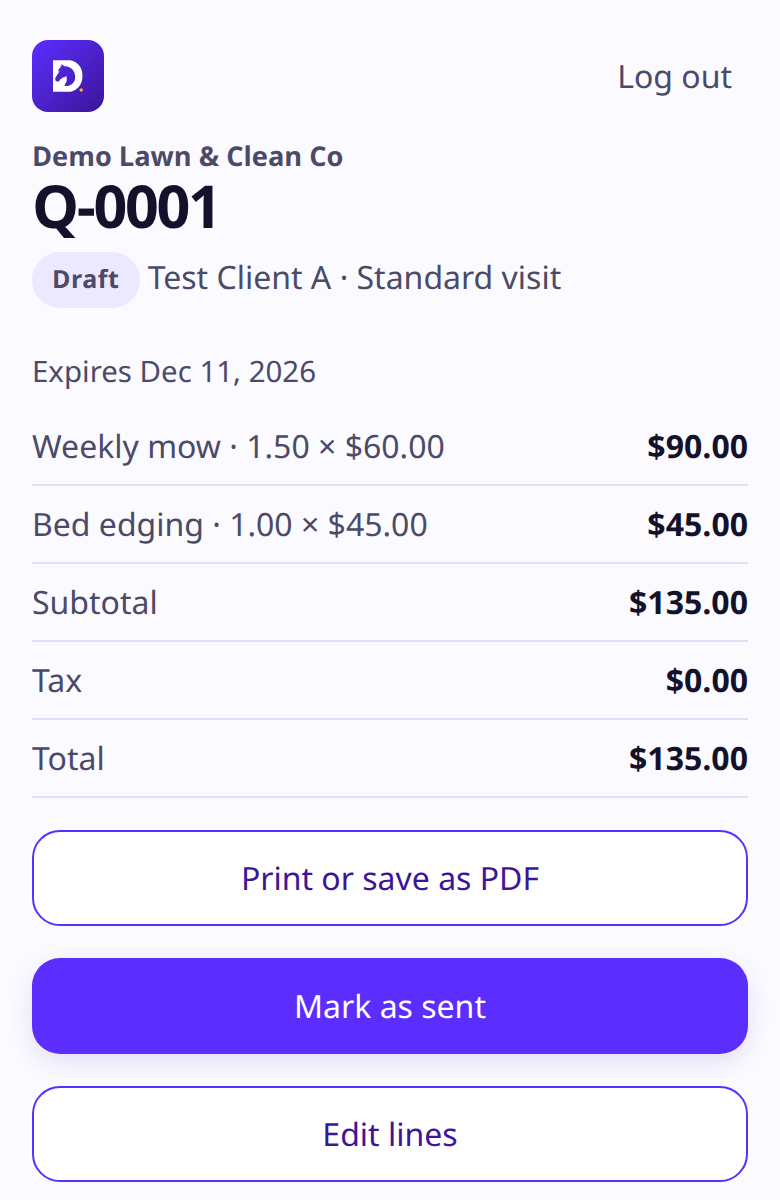
A quote has line prices and a total. You can print it or convert it to a job or an invoice. Client approval links are coming soon.
Invoices
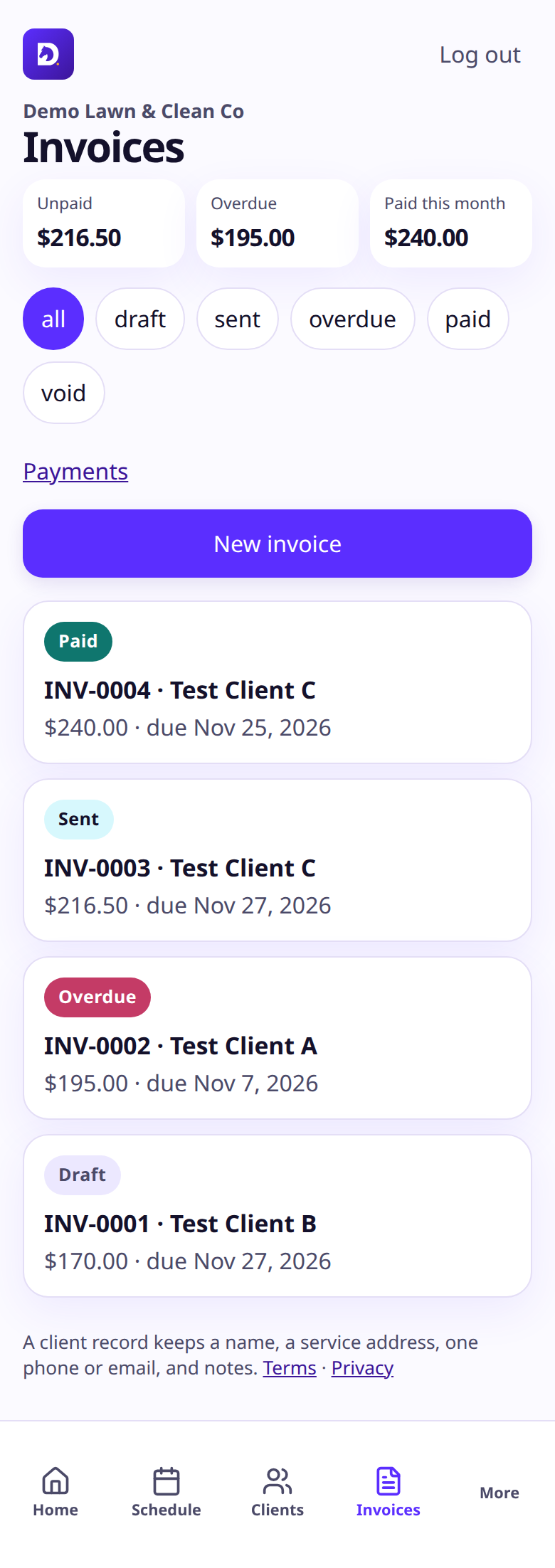
An invoice can be created from finished jobs. It has lines, an optional tax and discount, and is due on receipt unless you set Net 7, Net 15, or Net 30. You can send it or print it. Record a payment by cash, check, or other, including a partial payment. The Payments list shows those payments.
Quoted hours and actual hours
Each job keeps the hours you quoted and the hours you record after the work. The job screen shows the difference.
Cost per hour
Enter the yearly costs and the billable hours. The page shows what an hour costs, and a lowest price for a quoted number of hours that does not lose money on those inputs. Calculators only. Not tax, accounting or business advice.
Pay now links (coming soon)
Card payments through Stripe are coming soon.